
Cancel a service
Cancelling a service
-
Login to the Client Portal
-
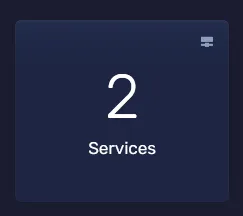
Click on services to view all your services
- Click on the service you want to cancel

- Click “Request Cancellation” under “Actions” on the left-hand side

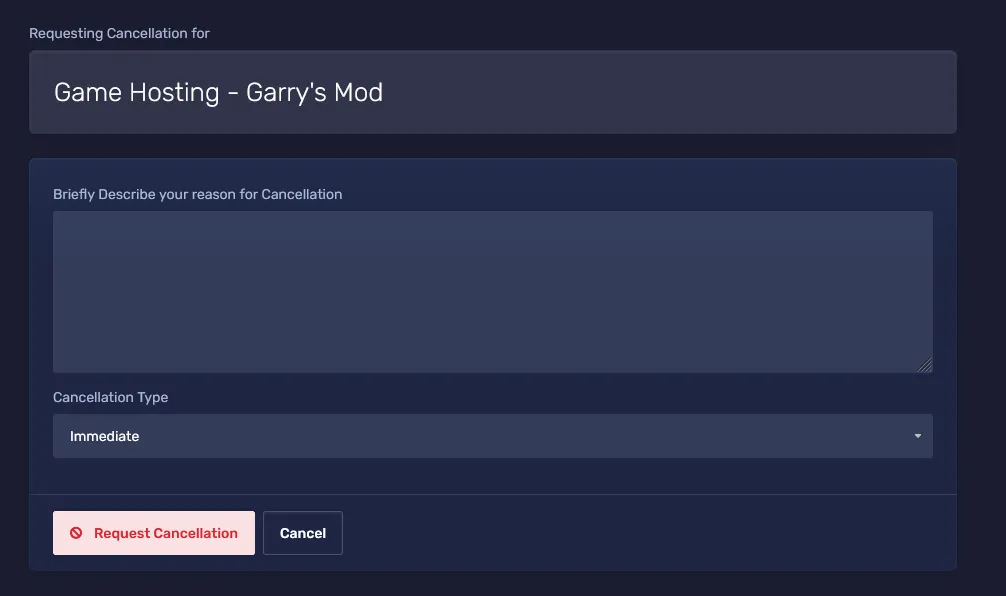
- Fill out the form that appears when you click “Request Cancellation”. You can select if you wish to cancel it immediately or at the end of the billing period
 6. Upon requesting cancellation, you will receive an email confirming such.