
Change Account Info
How to change basic account info
-
Login to the client portal
-
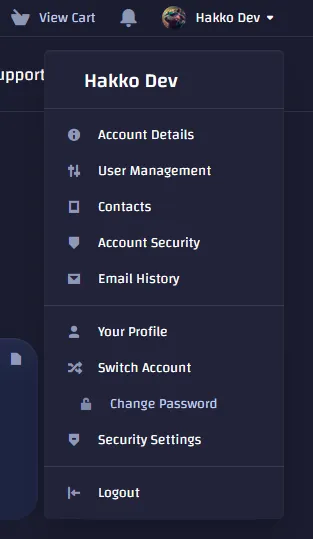
Click on your name in the top right and choose “Account Details”

-
Then you can edit all of the information on this page such as your Name, Phone Number, billing address and email prefrences.
How to change account password
-
Login to the client portal
-
Click on your name in the top right and choose “Change Password”
-
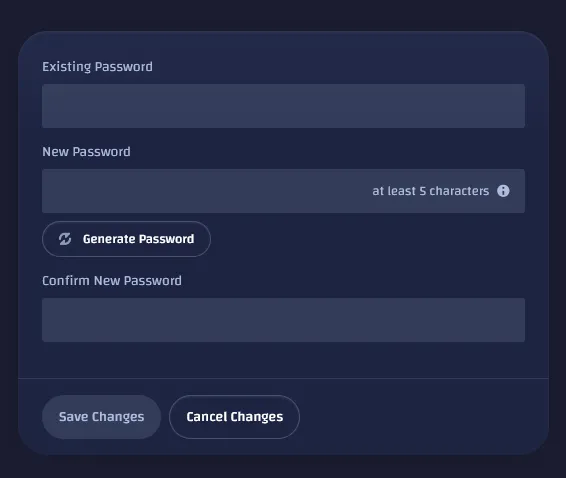
Enter your existing password then enter the new password you want to change it to.
How to change or edit payment methods
-
Login to the client portal
-
Click on your name in the top right and choose “Account Details”
-
On the right side, choose “Payment Methods”

-
Then you can edit or add a new payment method.
