
Link Discord
Adding a sub-user
-
Login to the Client Portal
-
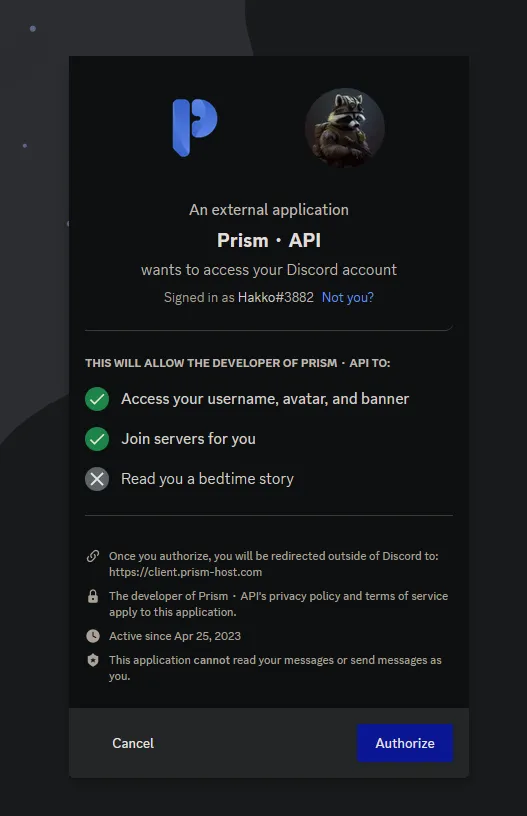
Find the “Link Social Media” on the left sidebar and click “Link” next to Discord

- When prompted, click Authorize. This does not grant us access to use your account, this will only Join our Discord for you & access your username, avatar, and banner.
- Once completed, you should see this on the left-hand side under “Link Social Media”:
